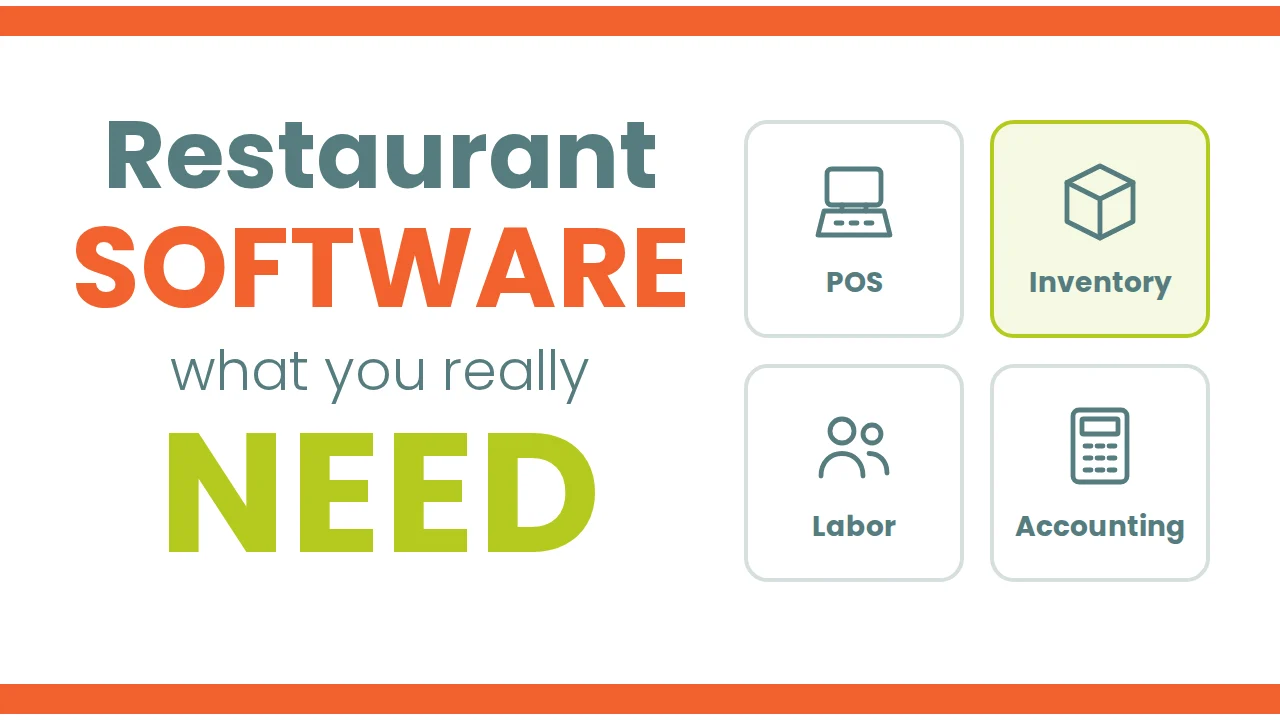
If you own a restaurant, you already know there is no shortage of software tools designed to make your life easier. But with so many options on the market, it can be hard to tell which ones are truly worth the investment. In this article, we give you an overview of four essential types of software used in restaurants: POS systems, inventory management systems, labor management systems and accounting systems. We also share practical tips to help you avoid costly mistakes when choosing the right software provider for your business.
POS systems
A POS (point of sale) system is a critical piece of restaurant software that lets you process transactions quickly and efficiently. With today's development tools, it is a fairly easy piece of software to build, so you can find options in every price range. When choosing a POS system, consider the following:
- Ease of use.
- Choose a system your staff can use easily, with an intuitive interface that is simple to navigate.
- Compatibility.
- Make sure it works with the hardware and software you already have, and that it is an open system that lets you exchange information with other systems without limitations. Many providers charge high fees just to let you extract your own information. Make sure your data is not partially held hostage.
- Scalability.
- As your business grows, you will need a POS that grows with you. Look for features like mobile ordering and online payments so you can keep up with the industry.
- Customer support.
- Choose a provider with excellent support. Talk to other users and find out how long it usually takes to get a response.
- Fees.
- Most POS providers today are after your credit card processing fees, because it is an extremely profitable line of business. Many card processors even give you a POS for free in exchange for those fees. Look for the best ratio between fees and functionality, and for a provider focused on the POS itself.
Inventory management systems
An inventory management system is probably the most hated piece of software of all. Customers hate it, developers hate it and providers hate it. Customers hate it because it demands a lot of work, causes a lot of frustration and feels like an area of management they never manage to solve. Developers hate it because they build it on common sense, without much industry knowledge. Providers hate it because they know it is where they will face the most conflicts and frustration from customers.
Most of the big, well-known restaurant system brands buy a third-party inventory tool with some track record and a large customer count, but it does not always solve the problem for their customers. When choosing an inventory management system, consider the following:
- Know what you really need. Be clear on what a good inventory solution should have, and do not let sales strategies confuse you.
- Get cumulative cost information, with real and theoretical costs you can drill into to find problem areas.
- It should be easy to use and flexible enough to fix mistakes without constant help from support.
- This type of software needs to be very robust, and that only comes with time and maturity.
- It should keep track of food and supply price changes.
- It should have a strong transformation module to track components.
- Recipes should be easy to maintain, so you can make changes and switch providers without redoing them.
- It should help you calculate your shopping list.
- It should offer good user and activity control.
- Invoices should be easy to manage, with automated OCR reading.
- Accuracy: it should track your inventory levels accurately, so you avoid overstocking or running out.
- Reporting: it should let you follow your inventory levels over time and make adjustments as needed.
- Customer support: choose a provider with excellent support.
- Ask your provider to show you a real customer working and getting consistent information.
- Ask your provider if they are willing to give you your money back if you prove them wrong.
Labor management systems
A labor management system helps you track employee hours, schedule shifts and manage time-off requests. When choosing one, consider the following:
- Ease of use.
- Choose a system your staff can use easily, with an intuitive and simple interface.
- Accuracy.
- It should track hours worked and shift schedules accurately, so you avoid overpaying or underpaying your employees.
- Works with your POS.
- It should help you estimate how many employees you need for specific days and shifts, and compare that with your actual schedules.
- Reporting.
- It should let you track your labor costs over time and make adjustments as needed.
- Customer support.
- Choose a provider with excellent support.
Accounting systems
An accounting system helps you track income and expenses, manage invoices and payments, and prepare financial reports.
Once you solve inventory management and control with a specialized, accurate solution, you have solved about 70% of your restaurant information and accounts payable problems. The other 30% is the management of expenses like labor, occupancy and other costs that are usually fixed. That means you can choose almost any accounting system that is open to receiving invoice information and can handle the accounts payable process.
With a good, specialized inventory management solution, you do not need the complex and expensive ERP that many companies buy thinking it will solve their supply management problems.
- Ease of use.
- Choose a system with an intuitive interface your team can use easily.
- Compatibility.
- It should work with the software you already use and be open to exchanging information without limitations.
- Scalability.
- As your business grows, you will need a system that grows with you.
- Customer support.
- Choose a provider with excellent support. Talk to other users and find out how long it usually takes to get a response.
Conclusions
Rather than putting all your eggs in one basket with an "all-in-one" software solution for hospitality, consider breaking your needs down into separate components. This lets you benefit from specialized expertise in each area and gives you more flexibility if something does not work as expected, without risking a major investment.
Think of it this way: would you want every kitchen appliance combined into a single device? If just one part fails, everything is affected.